
Authentication
Configure password protection and security settings for your BrickTracker instance.
Authentication Overview
BrickTracker supports optional password protection that secures modification operations while allowing read-only access to unauthenticated users. Authentication is optional.
WARNING
This is a lightweight access control feature and does not provide any strong layer of security to the application.
By default, every feature of the application is available. Although it does not support individual accounts, it is possible to protect every "dangerous" feature under a password. This can be useful if you want other people to access your inventory of sets in a "read-only" fashion.
WARNING
The password is stored in plaintext. Be mindful.
Authentication Model
- Optional: Can be completely disabled
- Single password: One password protects all admin operations
- Read-only access: Unauthenticated users can browse collections
- Session-based: Uses secure Flask sessions
- Socket protection: Real-time operations require authentication, if enabled
Basic Configuration
Enable Authentication
Required: Set a secure password
BK_AUTHENTICATION_PASSWORD=your_secure_passwordRequired: Random session signing key
BK_AUTHENTICATION_KEY=random_session_signing_keyDisable Authentication
Leave password empty to disable authentication
BK_AUTHENTICATION_PASSWORD=

# Session key not needed when disabled
BK_AUTHENTICATION_KEY=
Generate Session Key
Generate a secure session key (64 characters recommended)
python3 -c 'import secrets; print("BK_AUTHENTICATION_KEY=" + secrets.token_hex(32))'openssl rand -hex 32How Authentication Works
When not authentication is enabled, but you are not logged in, the the navigation bar will show 

Pressing the badge will show a login page:

After login, the navigation bar will now show  .
.

The Admin page will now have a new accordion with logout option.

Protected Operations
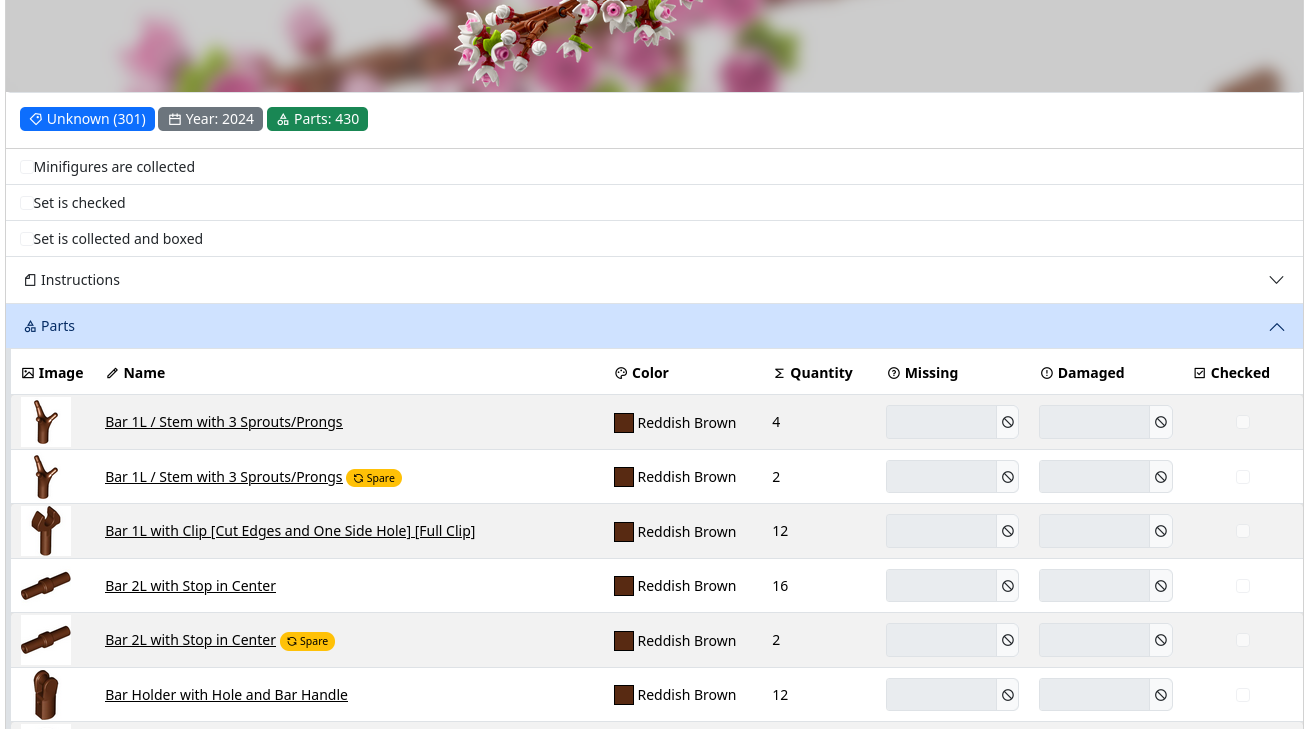
When authentication is enabled, these require login:
- ✅ Adding sets: Import new sets to collection
- ✅ Modifying parts: Update missing/damaged counts
- ✅ Deleting data: Remove sets or reset database
- ✅ Admin functions: Database management operations
- ✅ Socket operations: Real-time progress updates
- ✅ File uploads: Instruction uploads and management
Public Operations
These work without authentication:
- ✅ Browsing collections: View sets, parts, minifigures
- ✅ Searching: Search and filter collection data
- ✅ Viewing instructions: Access downloaded instruction files
- ✅ Exploring data: Navigate through collection information
Login Process
- Access protected page: Automatically redirected to login
- Enter password: Single password field
- Session created: Valid for browser session
- Access granted: Can perform all operations
- Logout: Manual logout or browser close